About This TrueNAS Home Server Build
About This Build
A Smart Home Server Built From Scratch, Documented As It Happened
Every post here reflects how it actually happened — built, broken, debugged, and rebuilt.
The TrueNAS Home Server Project
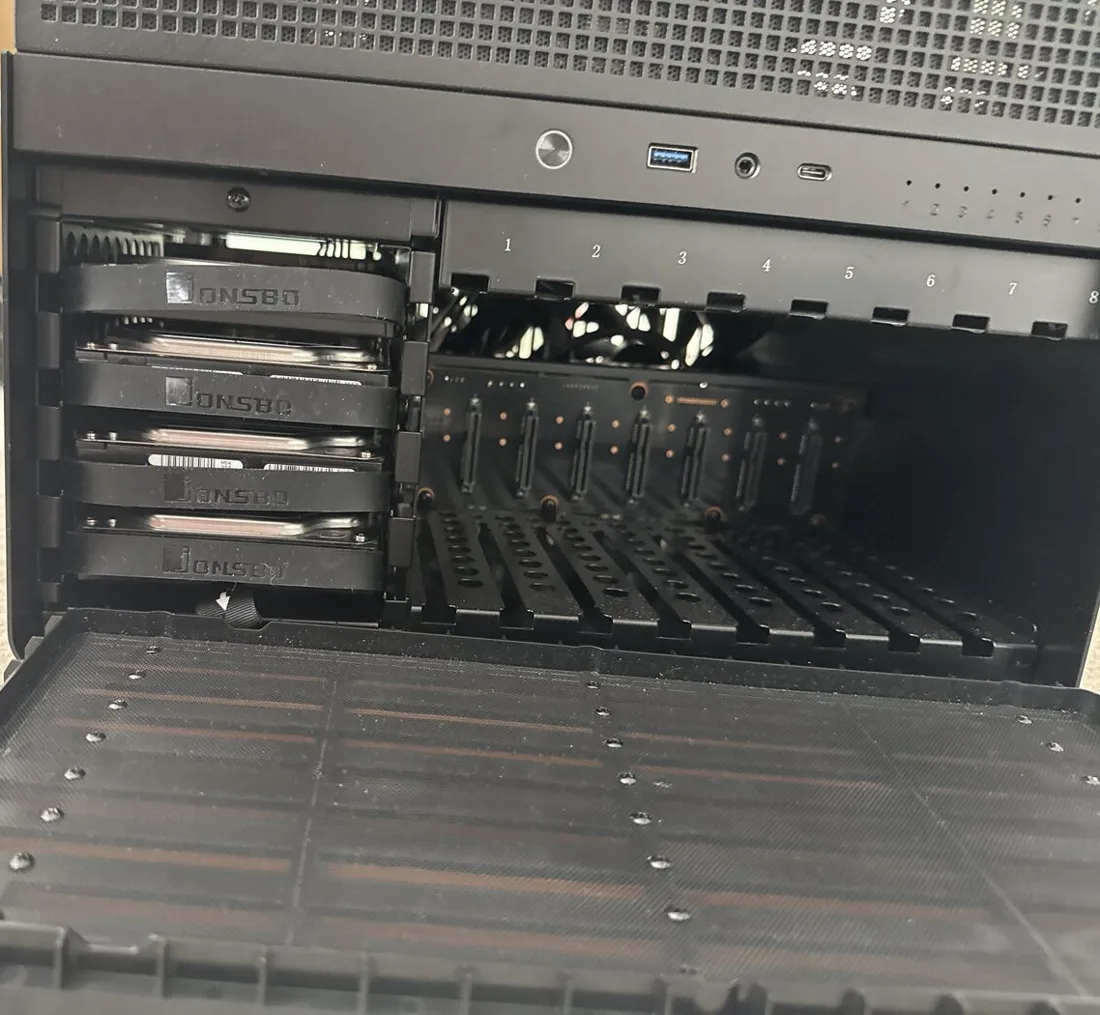
This blog documents a self-hosted TrueNAS home server, built on the free Community Edition. It started as a fully automated media server running in Docker, and grew into the hub of the house with Home Assistant running on top. Everything covered here was built, broken, debugged, and rebuilt — the posts reflect how it actually happened, not a polished tutorial written after the fact.
The goal was a fully automated pipeline: request a movie or TV show, and it appears in Plex without any manual steps. Along the way that meant solving real problems — VPN kill switches, Cloudflare tunnel quirks, iptables race conditions, and config files that overwrite themselves on shutdown.
Why Write It Down
Most home server write-ups skip the parts that actually cost time — the silent permission failure, the container that “works” until a reboot, the config that only breaks under load. This is a record of those parts too, written close to when they happened so the debugging steps are still accurate.
If you’re building something similar, the guides are the running log, and the buttons at the bottom of this page are the best place to start. My home server build covers where it started and what I’ve upgraded since.
🏠 Then Came Home Automation
Once the server was running every day, it made sense to put the rest of the house on it too. Home Assistant now runs alongside the media stack and ties everything together: the TVs, the washer and dryer, the car, the energy meter, and wall-mounted iPads that show the whole house at a glance.
Most of the dashboard is custom cards built for this house, and the guides show how each one works so you can build your own:
- Installing Home Assistant with Docker Compose, the place to start
- A live 3D floor plan that follows the sun, the TVs and the doorbell
- A washer and dryer card with a progress ring and one-tap programmes
- A Toyota car card with fuel, doors and where it’s parked
The cards are free on GitHub, and there are short videos of them on YouTube (@mymediabuild).
The Stack
What’s actually running under the hood
🗄️
Storage
TrueNAS Community Edition, ZFS pool, NFSv4 ACLs on every app dataset.
📦
Containers
Everything runs in Docker, each app defined in its own Docker Compose file.
🔒
VPN
ProtonVPN via Gluetun, with a full kill switch on the download clients.
📡
External Access
Cloudflare Tunnel + Traefik. No ports forwarded on the router.
🔐
SSO + 2FA
Authentik with mandatory TOTP across every service, one login, one session.
🎬
Media Automation
Radarr, Sonarr, Prowlarr, SABnzbd, qBittorrent, Plex and Cantinarr: request to playback, no manual steps.
🏠
Home Assistant
Home Assistant in Docker, with MQTT for sensors and the hOn integration for the washer and dryer.
📱
Wall Dashboards
Wall-mounted iPads running custom cards: a live 3D floor plan, laundry, car and more.
⚡
Energy
Live smart meter readings in Home Assistant’s Energy dashboard.