My Home Assistant and Media Server Kit
This is my Home Assistant and media server kit: the hardware behind the guides and free cards on this site. It’s what runs in my house every day, from the smart home gear to the home server that runs Plex and the Docker apps, with a line on why I picked each one and which guide it goes with. Prices change a lot, so the buttons open Amazon UK with the current listings.
As an Amazon Associate I earn from qualifying purchases. The Proton VPN link is an affiliate link too. If you buy through a link here, the price is the same for you and a small commission helps keep the guides and cards free.
Robot vacuums
Roborock Qrevo S (downstairs)
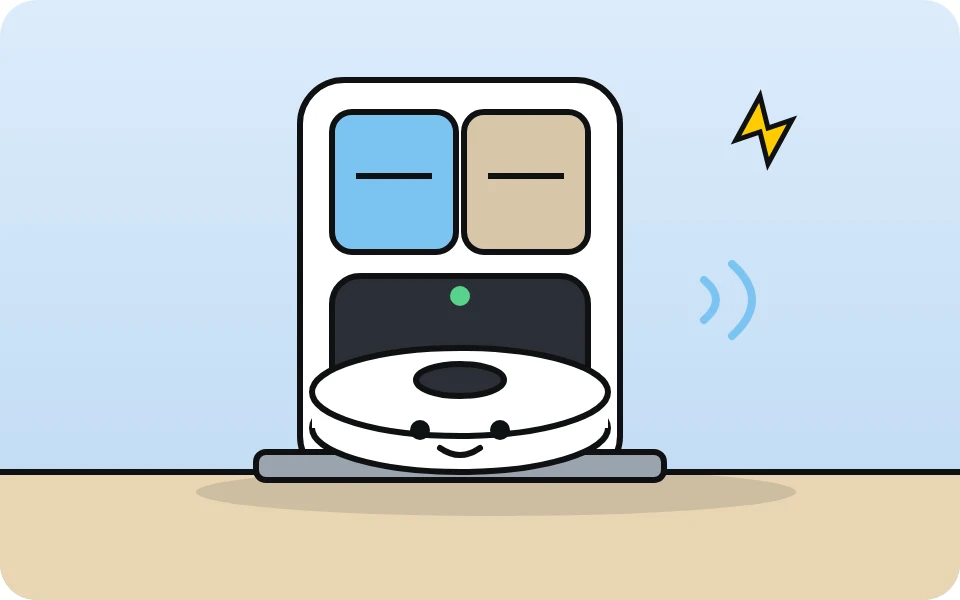
Vacuums and mops the living room, dining room and kitchen every evening, then washes and dries its own mop pads in the dock. It works with Home Assistant’s own Roborock integration, room by room. It’s the robot I built the Roborock Buddy Card on.
Mine is the Qrevo S. Amazon now sells the newer Qrevo S Pro (stronger suction, hot-water mop washing), which the button below goes to.
Roborock Qrevo accessory kit

The spares I bought for my Qrevo S: 2 main roller brushes, 4 side brushes, 4 HEPA filters, 6 mop pads and 6 dust bags for the dock. Brushes, filters and mop pads wear out, and a kit like this costs a lot less than buying the parts one at a time.
It’s a third-party kit (Geoviizon), not made by Roborock. It’s for the Qrevo range (the listing names the Qrevo S Pro, QV 35S, QV 35A, QR 598 and QR 798), so check your model is listed before you buy.
Roborock Q7 L5+ (upstairs)
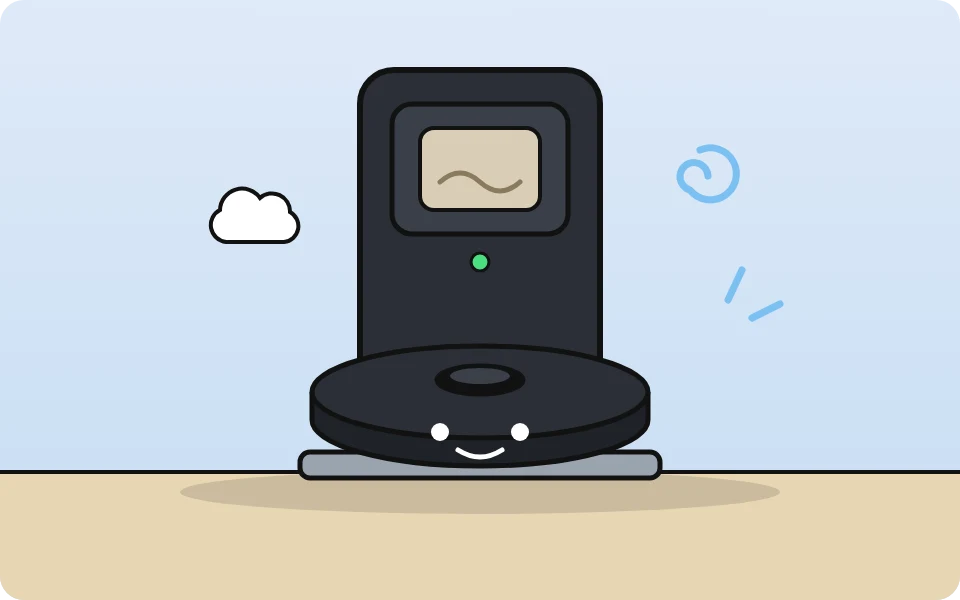
My newest robot, called Sir-Suck-A-Lot. It looks after the upstairs and empties itself into its dock. It shows up in Home Assistant’s own Roborock integration with its map and named rooms, and it runs on the Roborock Buddy Card. Here’s what works and what doesn’t.
Zigbee and sensors
SMLIGHT SLZB-06MU Zigbee coordinator
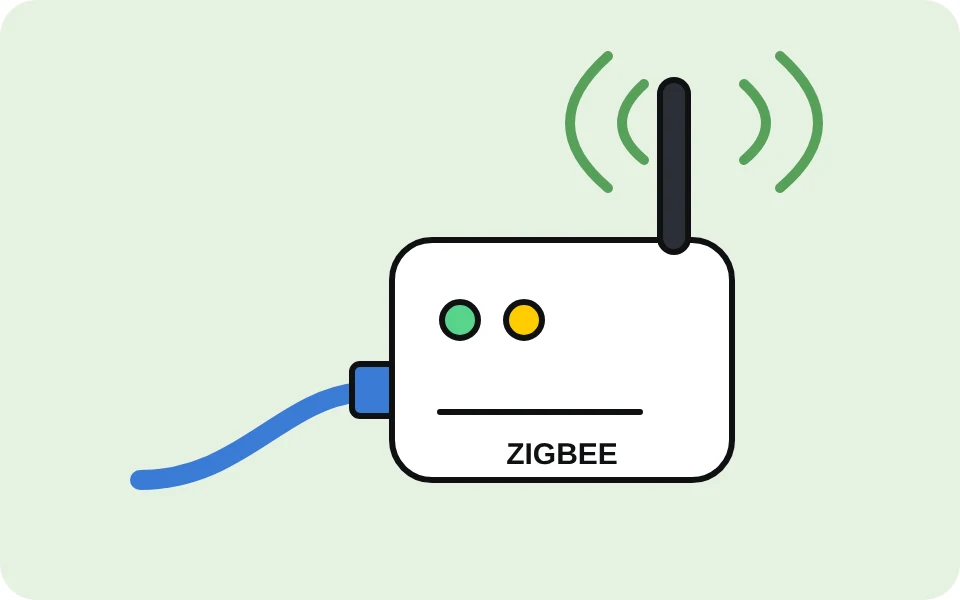
The Zigbee hub for all the sensors below. It connects over the network (Ethernet), so it can sit away from the server and away from Wi-Fi interference, and it works with Zigbee2MQTT.
SONOFF TRVZB radiator valves
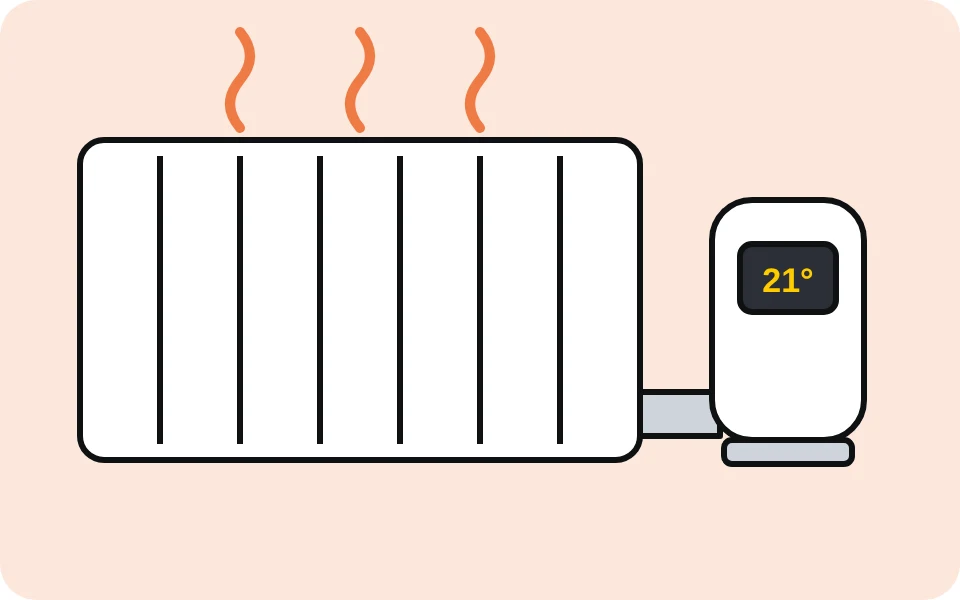
Zigbee smart radiator valves, so Home Assistant can heat one room at a time. I have three, on the dining room and both bedroom radiators.
SONOFF Zigbee door and window sensors
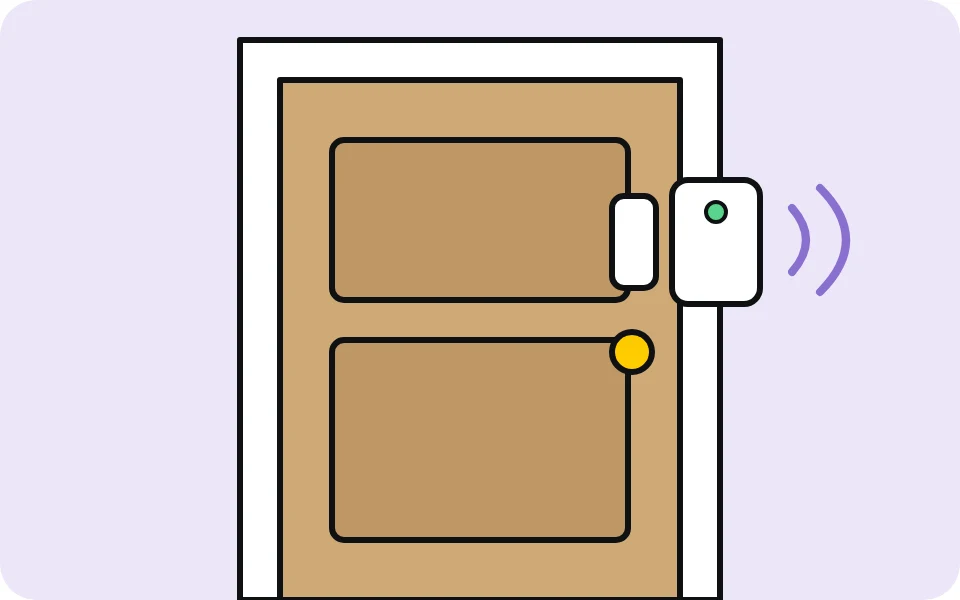
Small Zigbee contact sensors on the doors and windows. Home Assistant uses them for the heating (radiator off when a window’s open) and on the dashboard.
Mine are the SNZB-04PR2 (four of them: two doors, two windows). The button goes to SONOFF’s newer SenseGuard DW Gen2 4-pack, which does the same job on AAA batteries.
Wall tablet
Samsung Galaxy Tab A9+
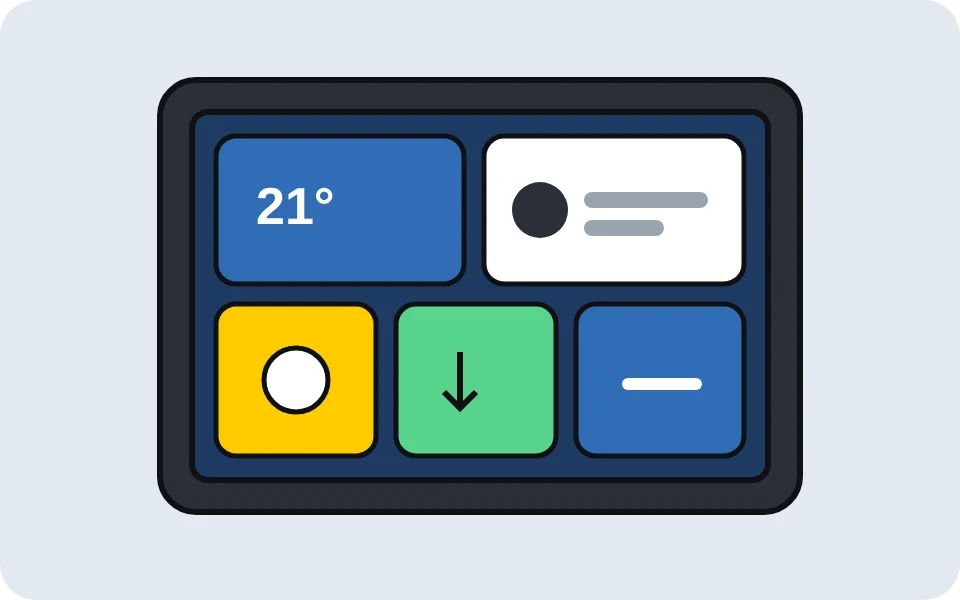
Wall-mounted as the Home Assistant dashboard, running Fully Kiosk Browser. See the wall tablet guide for how it’s set up.
Home server
Jonsbo NAS case
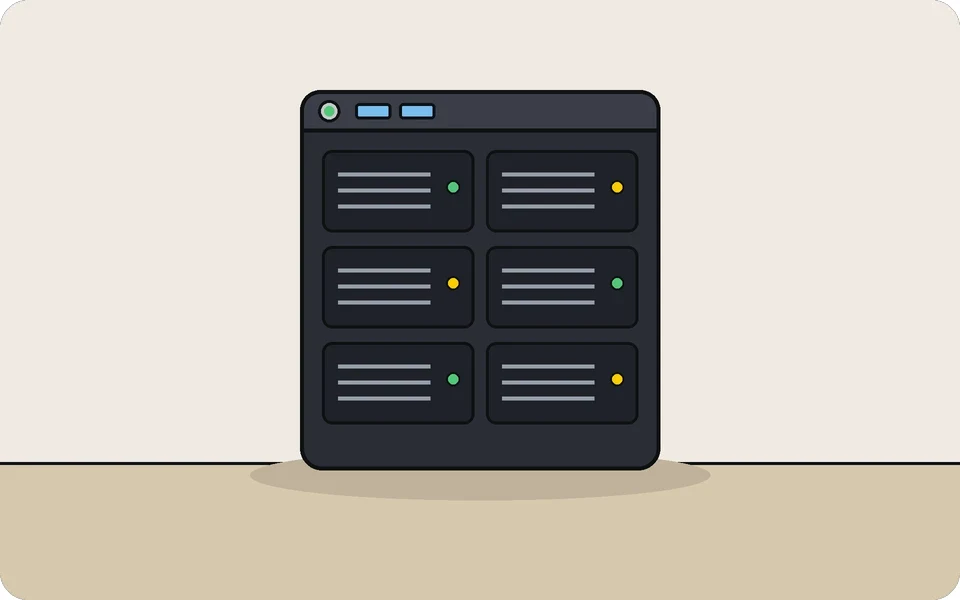
The case my TrueNAS home server is built in. It takes a full-size ATX motherboard and has room for lots of hard drives, so the whole media library, the backups and all the Docker apps from the guides live in one box. Mine has six hard drives in it.
ASRock X570 Pro4 motherboard
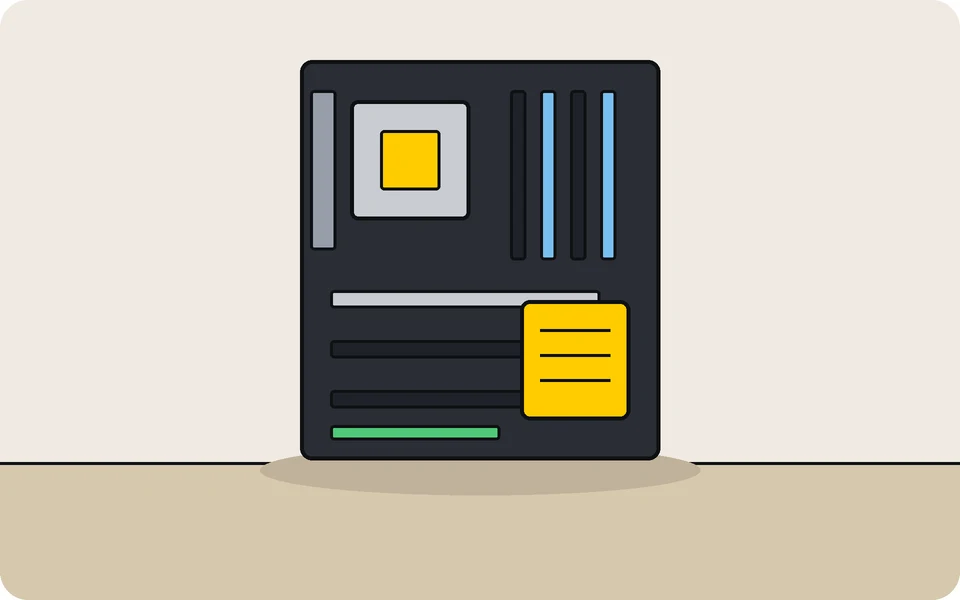
The motherboard in my home server. It’s a full-size ATX board for AM4 processors like the Ryzen 7 5700G below, with four memory slots and eight SATA ports for hard drives (my SAS drives go on the HBA card below). TrueNAS boots from an NVMe drive in one of its M.2 slots.
AMD Ryzen 7 5700G processor
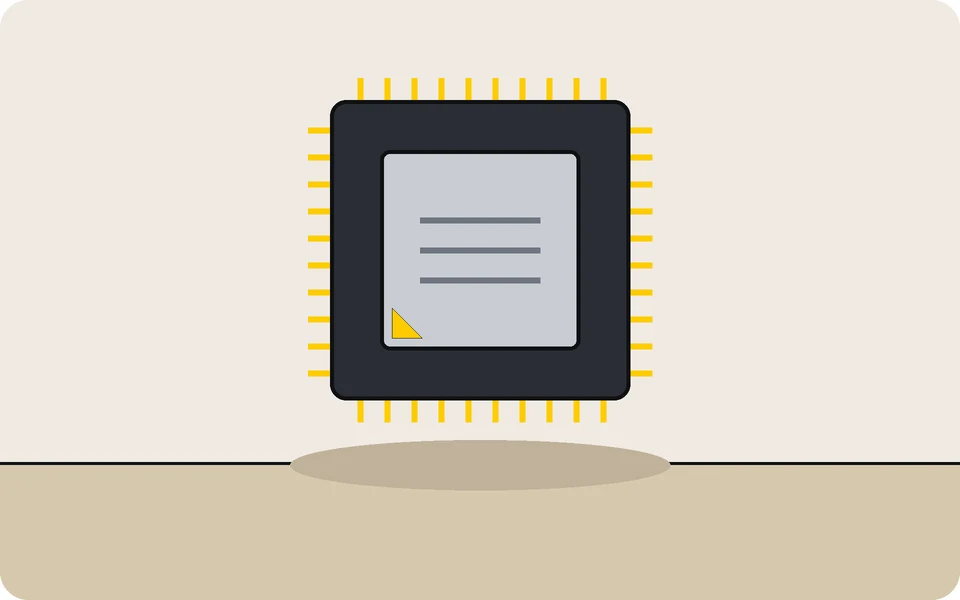
The processor in my home server: 8 cores and 16 threads, which is plenty for TrueNAS and all the Docker apps from the guides at once. It has Radeon graphics built in, so you don’t need a graphics card just to get a picture on screen while you set the server up.
It fits an AM4 motherboard and comes with AMD’s own cooler in the box.
Crucial 32 GB DDR4 3200 RAM (2 x 16 GB)
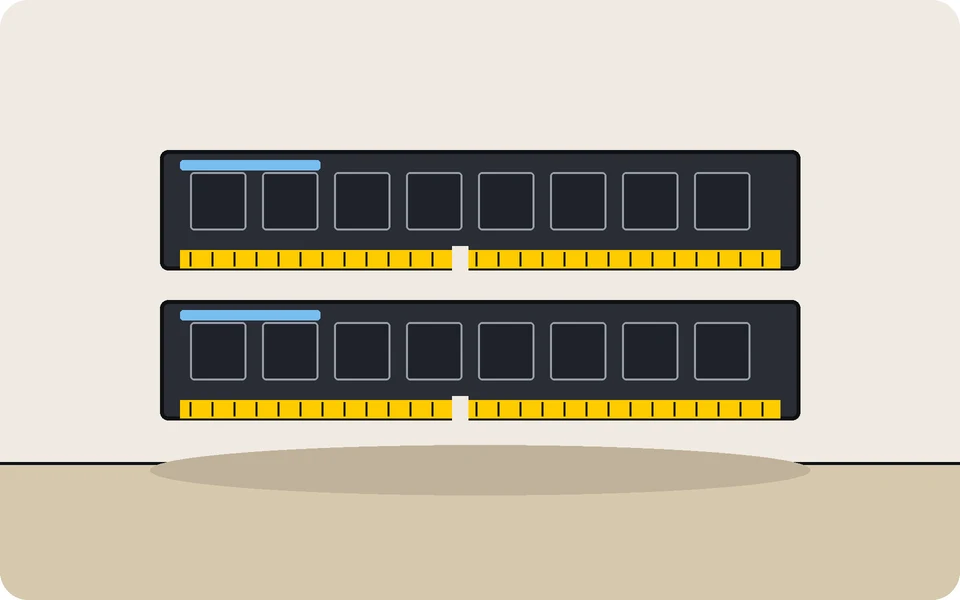
The memory in my home server. TrueNAS uses spare RAM as a cache for the hard drives, and the Docker apps from the guides all need some too, so more RAM keeps everything quick.
I have two of these kits in mine (four sticks, 64 GB). One kit (32 GB) is plenty for most home servers.
Seagate IronWolf 8 TB NAS hard drive
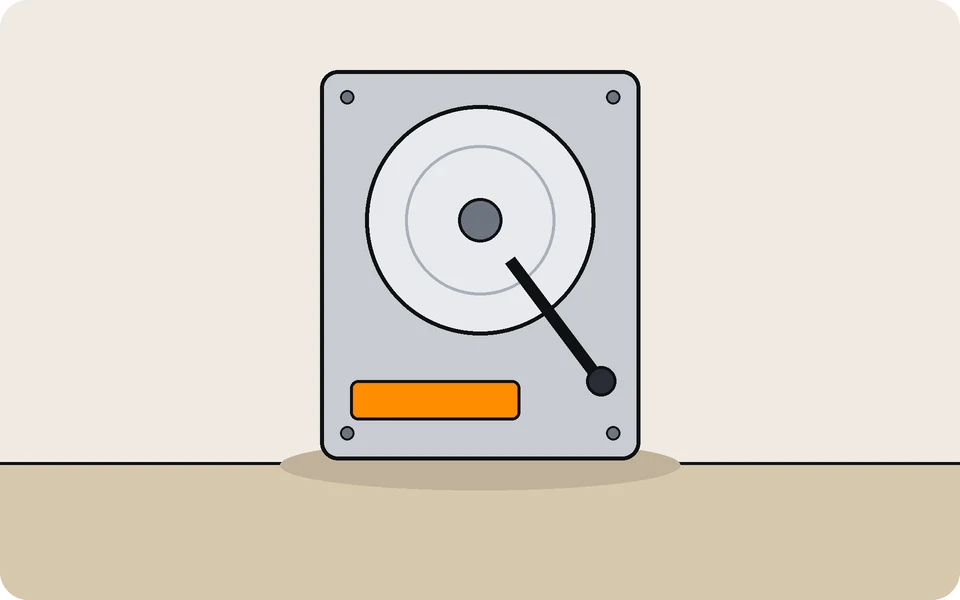
The hard drives that hold my media library. IronWolf drives are made for NAS boxes that run all day, every day, with several drives side by side, which is exactly what a home server does.
I have four of these (ST8000VN004). With TrueNAS, put them in a pool with redundancy (a mirror or RAIDZ) so one drive failing doesn’t lose your files, and keep a backup too.
LSI 9211-8i HBA card (IT mode)
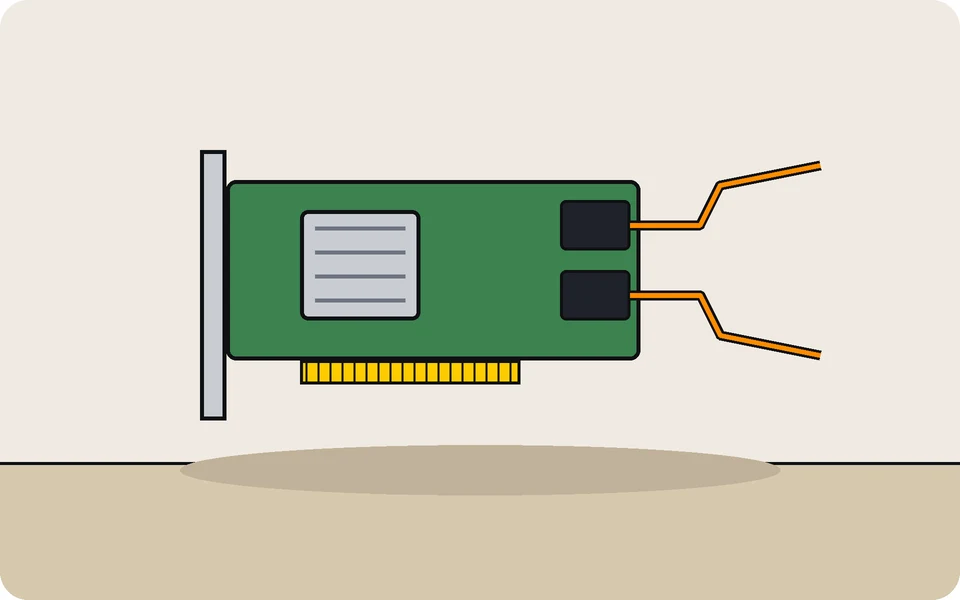
A PCIe card that adds up to eight more drives, SAS or SATA. In IT mode it passes each drive straight through to TrueNAS with no RAID in the way, which is what ZFS wants. It’s also the only way to use cheap SAS drives (often ex-server), which won’t plug into a normal motherboard.
Mine is a 9211-8i type card (SAS2008 chip) running two 6 TB SAS drives. Make sure the one you buy is already flashed to IT mode and comes with the breakout cables.
HGST Ultrastar 6 TB hard drive (renewed)
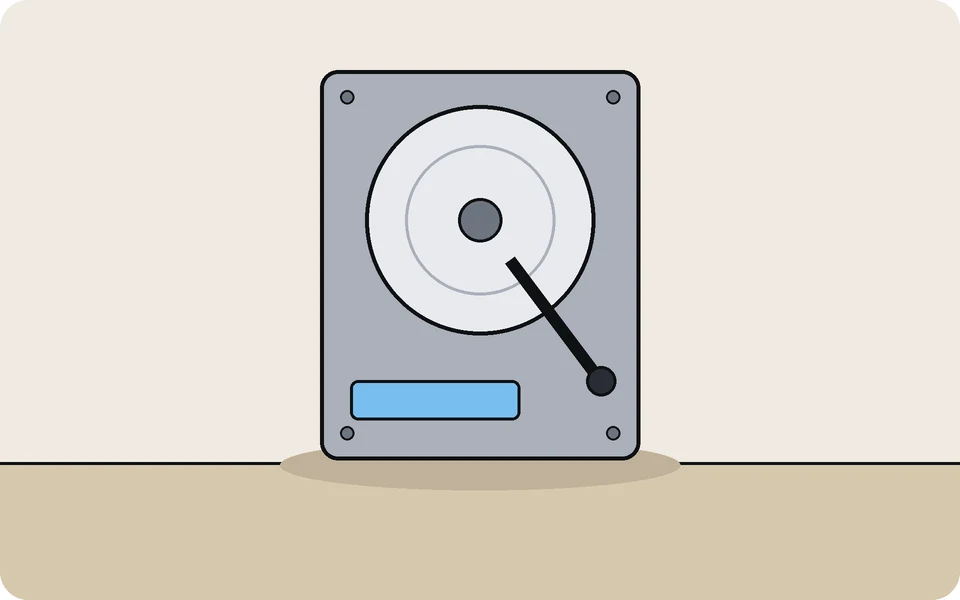
Ex-data-centre drives, renewed, for a lot less per terabyte than new ones. They’re built to run 24/7, so they suit a home server well. Mine hold my backups, separate from the main drives.
Mine are the SAS version (HUS726060ALS640), which needs the HBA card above. The button goes to the SATA version (HUS726060ALE610), which plugs straight into a normal motherboard. With any renewed drive, run a long SMART test when it arrives and keep a backup.
Refurbished HP EliteDesk or ProDesk Mini
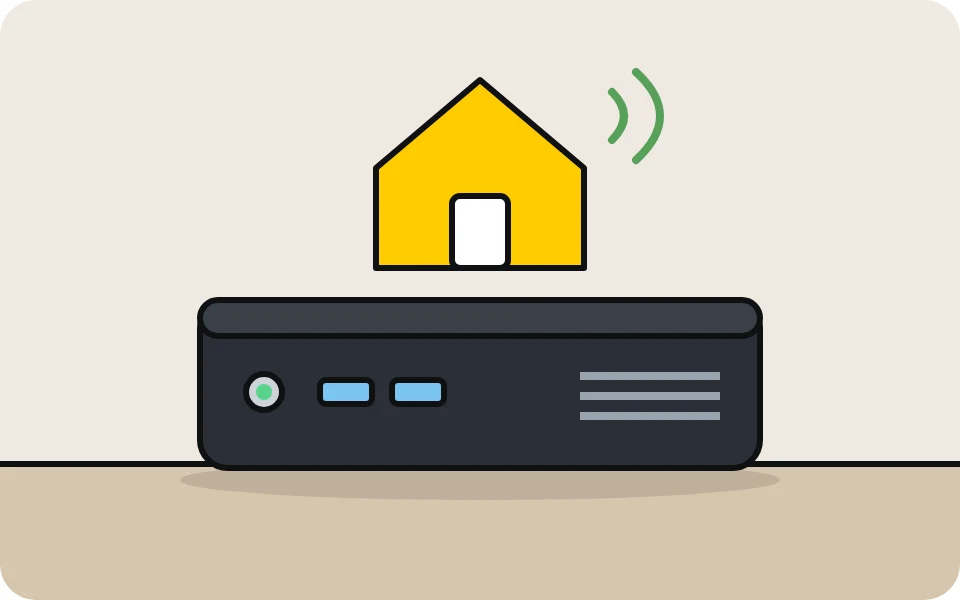
What I’d buy to run Home Assistant on its own small box: an 8 GB / 256 GB refurb is plenty, uses little power and is silent. The one the button goes to (EliteDesk 800 G2 Mini, Core i5, 16 GB, 512 GB, renewed) is more than enough. You don’t need the Windows it comes with: Home Assistant OS replaces it.
My recommendation, not one I own.
Live TV
SiliconDust HDHomeRun network TV tuner
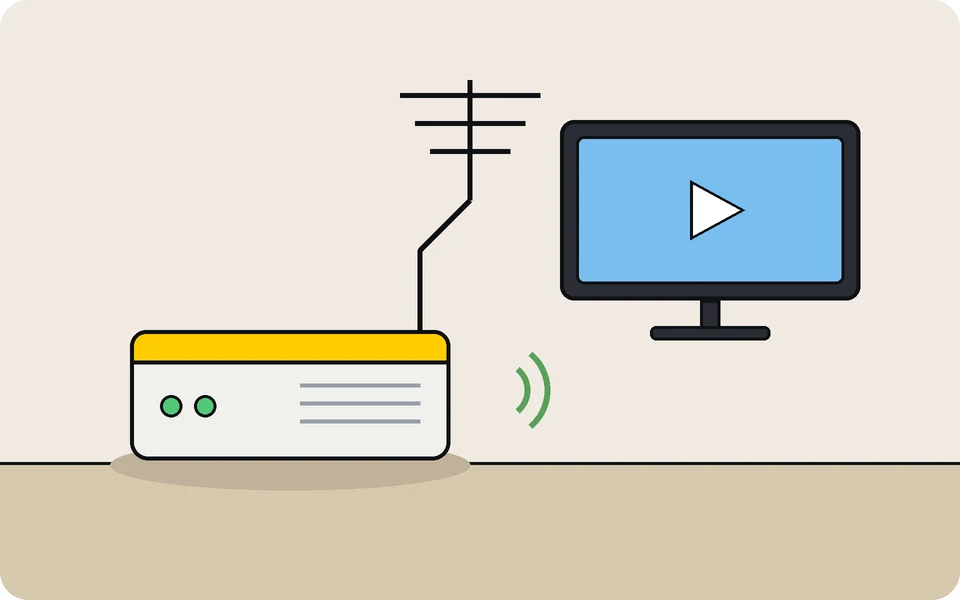
Plugs into your TV aerial and your network, and puts Freeview channels on every device in the house. Plex and Jellyfin both find it on their own and use it for Live TV and recording (DVR).
Mine is the HDHomeRun CONNECT DUO (two tuners). The button goes to the QUATRO, which has four tuners, so you can watch or record four channels at once.
VPN
Proton VPN
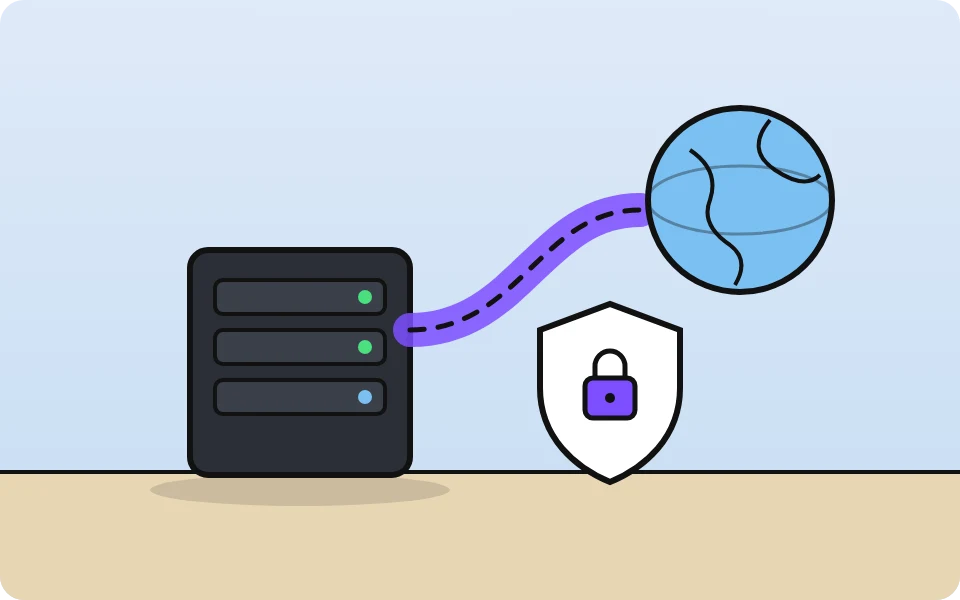
The VPN my download apps run through, using a Gluetun container. I use WireGuard with port forwarding switched on, which Gluetun sets up with Proton by itself.
Questions about any of it? Each guide has a GitHub link for the cards, and the guides go through setup step by step.